Using AI to generate XBasic code
Description
Create and edit Xbasic scripts, functions, and classes using the Script Editor's AI integration. This guide covers the workflow and caveats.
Overview
There is a new AI button on the Script Editor toolbar next to the existing Create buttons.
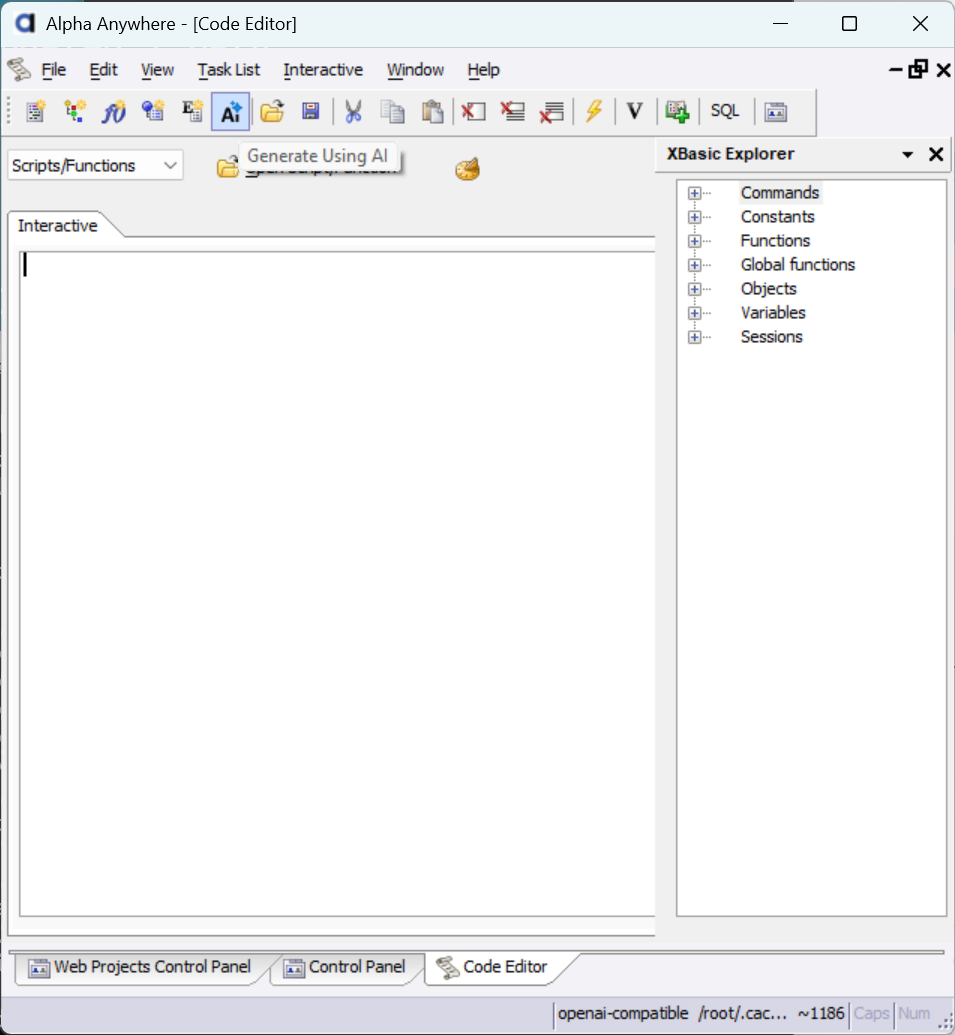
Open The Xbasic AI Genie
Select the AI button to open a two-part genie for creating and editing Xbasic. The first step plans and filters documentation to optimize context; the second step generates or edits code.
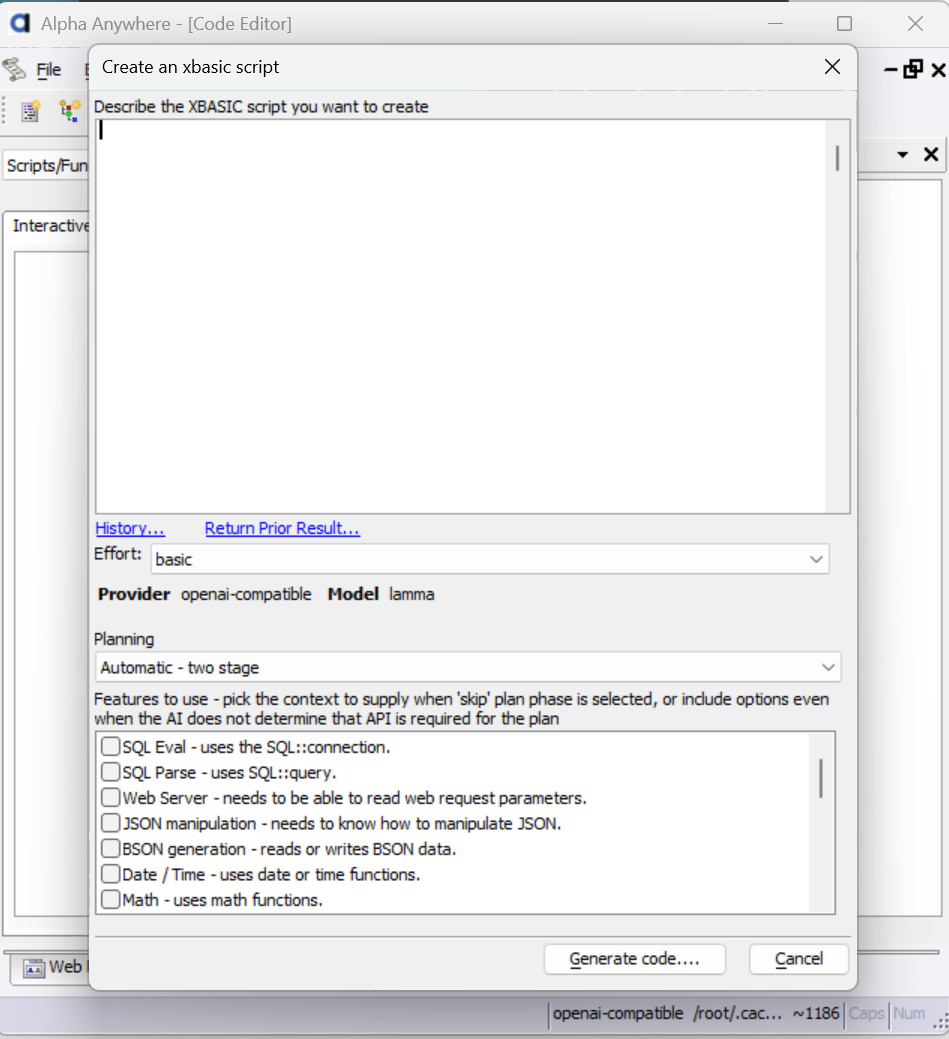
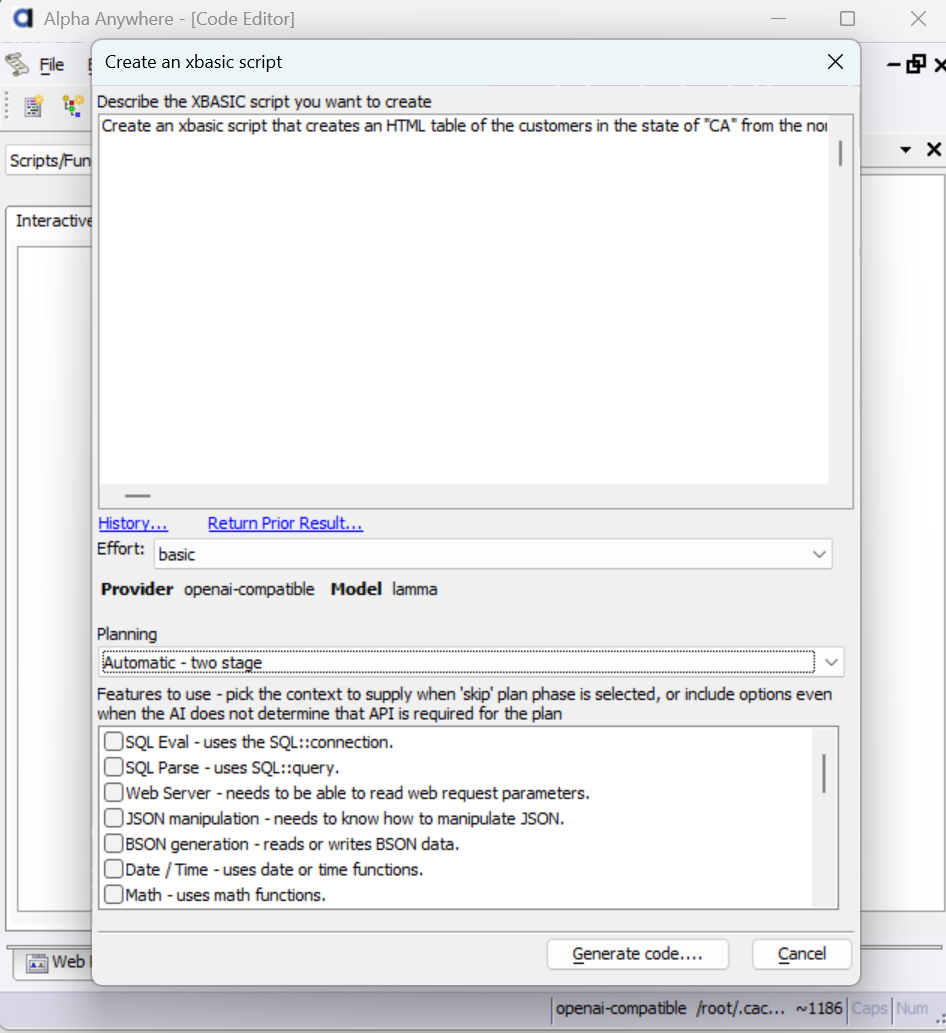
Example Prompt
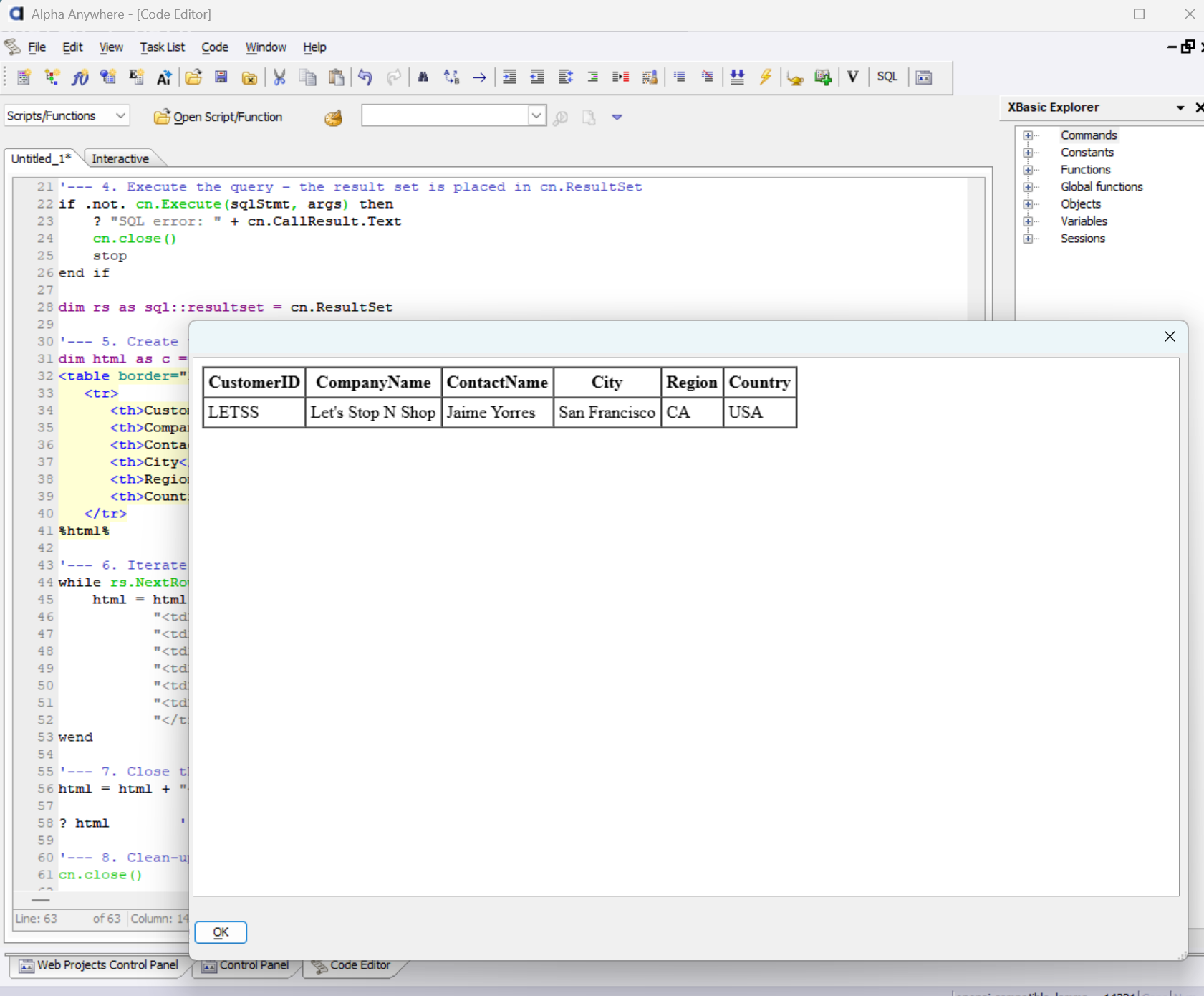
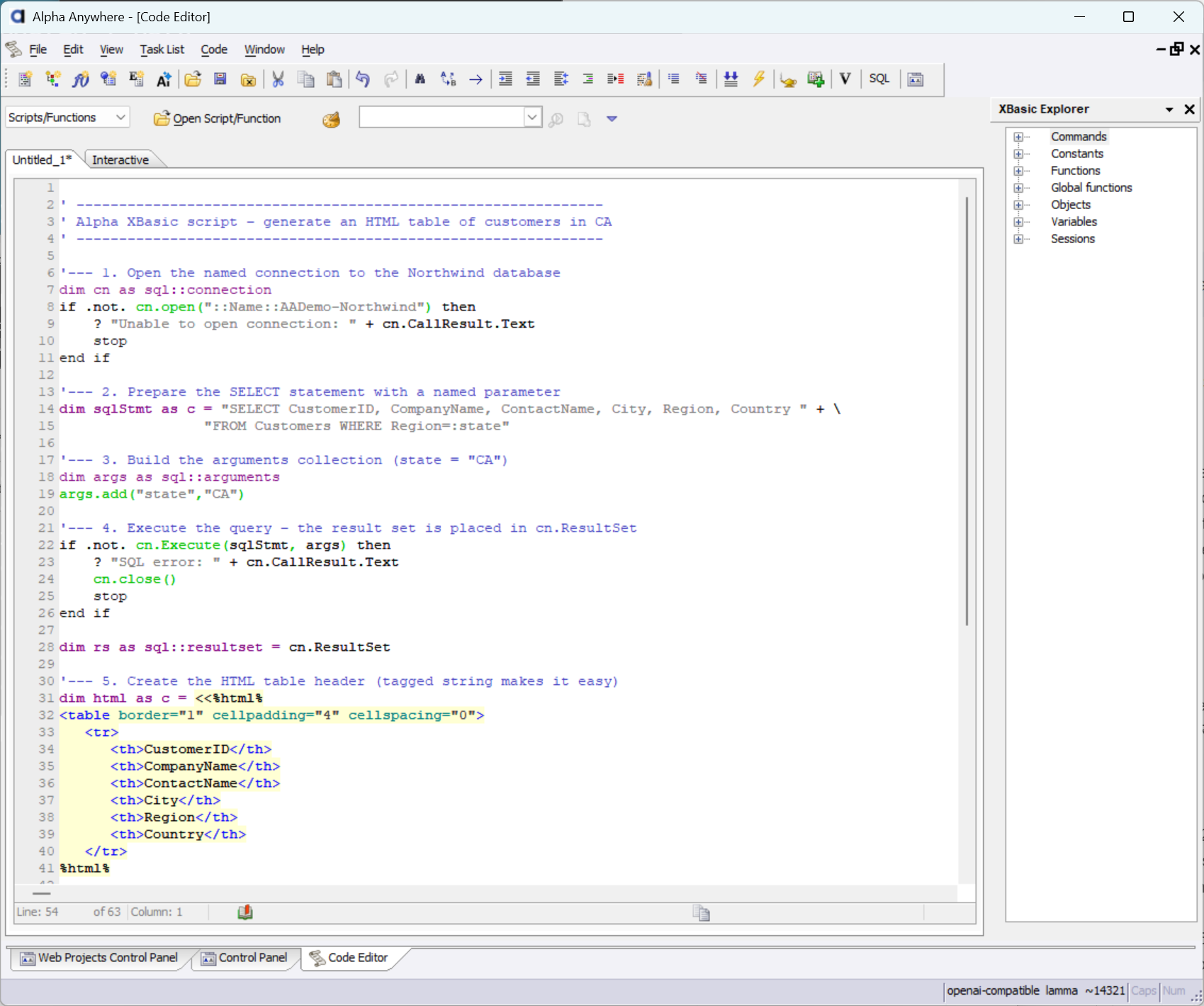
Ask the AI to write Xbasic code that builds an HTML table populated from the Customer table.
Review Generated Code
The generated code is intentionally vanilla to maximize compatibility and provide a starting point you can refine.
View Output
Because the AI often uses the ? command suited to web pages, you may modify the script to open an HTML viewer at the end so you can see the result.